Review a Photo Contact Sheet and Choose the Frame with Evidence
Selecting a photograph is a separate skill from taking it. A small contact sheet makes patterns and differences easier to compare.
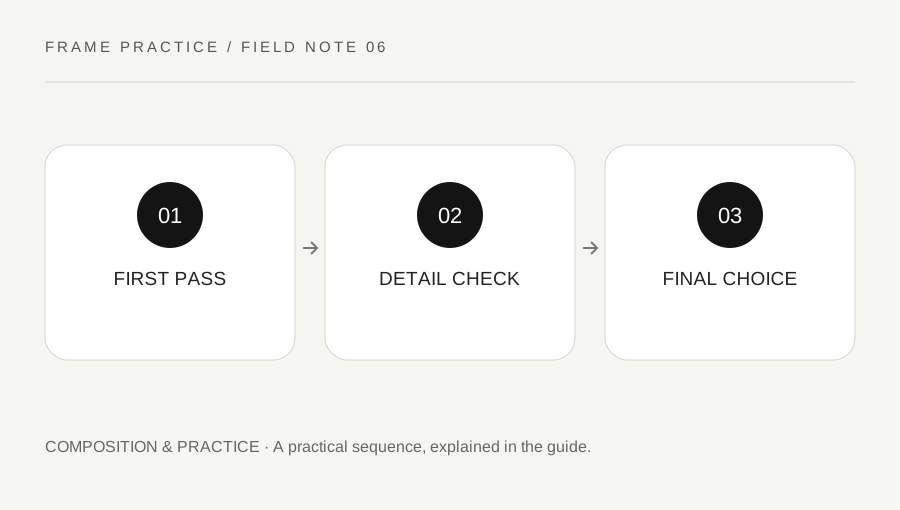
Original explanatory diagram. Numerical examples in this guide illustrate the reasoning; they are not a claim of hands-on testing.
Make a comparable selection
Choose a small set from one scene or exercise and view the frames together at the same size. Preserve the originals and work with copies or non-destructive editing tools. Do not delete a whole card while still deciding which images matter.
On the first pass, look for a clear subject, timing and framing. Mark a few candidates without examining every pixel. A contact sheet is useful because it shows the sequence: the subject turned, a background cleared or your viewpoint changed. Those differences can be difficult to remember one file at a time.
Check the important details
Open the candidates larger and inspect focus, motion blur, distracting edges and important highlights. Evaluate the detail that matters to the photograph rather than demanding identical sharpness in every corner. A deliberate blurred background is different from a missed focus point on the subject.
Compare settings only after looking at the visual result. EXIF data can explain what changed, but it cannot decide which expression or composition is strongest. If two similar frames differ in sharpness, inspect whether shutter duration, focus placement or camera movement provides a plausible explanation.
Keep a specific learning note
Select one preferred frame and write why it works. Then choose one rejected frame and note a change you would make in the field. For example, “background sign intersects the face; take one step right next time” gives you an action more useful than “composition bad.”
Keep the exercise set and your notes together. On a later shoot, deliberately test that one improvement. The purpose of the contact sheet is to connect decisions to visible evidence, not to manufacture a perfect technical score. A small sequence reviewed carefully can teach more than hundreds of files left unexamined.
Make a short selection note you can use on the next shoot
Choose six frames from one scene and mark three candidates. For each candidate, write a strength and a limitation. One might have the best timing but a distracting edge; another may be cleaner but less expressive. This makes the trade-off visible instead of hiding it behind a single star rating.
Open the final two larger and inspect the important subject detail. Check whether a technical limitation matters for the intended use. A small image shared on screen and a large print can reveal different issues. Preserve the original files and avoid destructive changes while the selection is still uncertain.
End with one preferred frame and one field action. For example, “next time, check the sign behind the subject before the expression arrives” connects the review to a behavior you can practice. Keep the rejected example beside the chosen one if it helps explain the difference. The contact sheet becomes a record of decision-making rather than a folder of unexplained favorites. On the next session, test that one action and see whether it improves your choices in the actual scene.
A practical checklist
Tick items for your own use. This checklist is saved only in this browser.
Questions that come up
Should I select the sharpest frame automatically?
Sharpness is one consideration. Timing, expression, composition and your intended use can make another frame more effective.
Can technical metadata decide the best frame?
No. Settings can explain aspects of the image, but they do not choose expression, timing or a meaningful composition.
Should I delete rejected frames immediately?
Preserve originals while reviewing, especially when the sequence is useful for learning. Make deletion decisions separately and deliberately.
References & scope
Background references checked on 18 October 2026. The examples and practice exercises are original editorial explanations, not copied procedures or professional advice.