Control Reflections in a Still Life by Changing the Arrangement
A reflection is part of what the surface shows the camera. Move carefully, simplify the surroundings and compare the result before assuming an editing tool or filter will remove every problem.
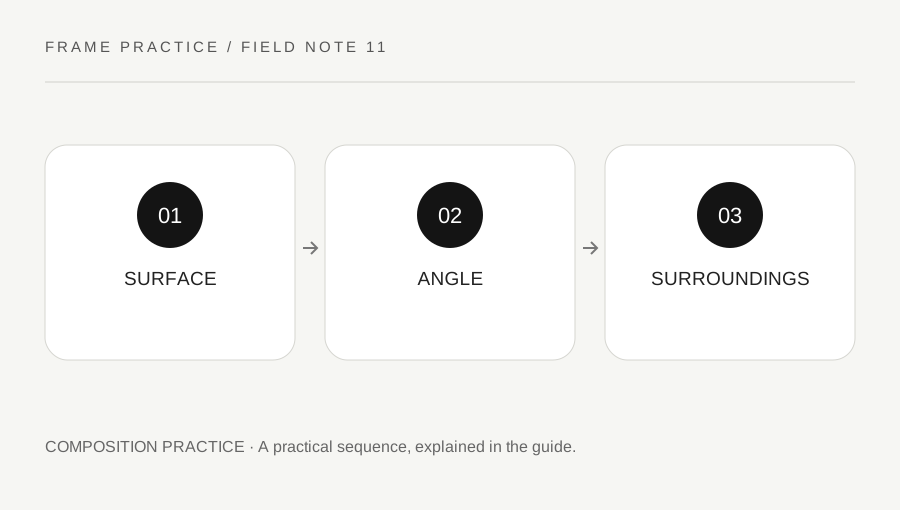
Original explanatory diagram. Examples illustrate a method or decision; they are not claims of personal testing.
Identify what is reflecting
Look at the subject and the visible reflected shapes. A glossy object can show a window, lamp, camera or clutter that is outside the direct frame. Photograph a simple baseline and note which reflection distracts from the purpose. Do not assume every bright patch is an exposure mistake; it may describe the surface and be part of the intended image.
Use an ordinary safe object for practice. Avoid handling fragile, hot or unfamiliar materials merely to create a dramatic reflection. Keep the camera and light supports stable, and do not modify someone else's property. The first goal is to understand the arrangement rather than remove every trace of gloss.
Change one position at a time
Move the camera slightly where safe and compare how the reflected shapes change. Then consider a small subject or light-source adjustment through an appropriate setup. Keep track of which part moved. A reflection problem can improve without changing the lens or applying a stronger software effect, but the result depends on the actual surface and geometry.
Simplify nearby clutter or use a suitable neutral surface where you are authorized to arrange the scene. Do not cover ventilation, place material near unsafe heat or build an unstable improvised lighting enclosure. Keep any added card or support outside the final frame unless it belongs there intentionally. Review the whole composition after each adjustment.
Work through a glossy-object exercise
Imagine a glossy container beside a window reflects a bright rectangular shape and a distracting shelf. The photographer makes a baseline, changes the camera position and then adjusts the object slightly. They compare the visibility of the label, the shape of the highlight and the surrounding frame. They do not claim one angle works for every glossy object.
If a reflection is useful for showing curvature, they keep it rather than flattening the subject into an uninformative shape. If the label becomes unreadable, they revise the arrangement. This is an illustrative exercise, not a tested product-photography recipe. The accepted frame should serve the object's explanation as well as look tidy.
Treat filters and editing as specific tools
A polarizing filter can affect some reflections under suitable conditions, but it is not a universal eraser for every surface and angle. Use compatible equipment and reliable guidance if exploring that route. Do not buy or stack filters before understanding what the actual reflection does when the arrangement changes.
Keep editing honest for the photograph's purpose. A creative image and a factual product record can have different requirements. Do not remove a defining feature and present the result as unaltered evidence. Preserve the source and label substantial processing where appropriate. A useful reflection routine begins with observation and safe arrangement, with later tools chosen for a specific need rather than a promise to fix everything.
Inspect unintended identifying reflections
Before sharing, look for the photographer, private screens, addresses or other identifying details reflected in the surface. A crop that removes direct clutter may still leave it visible in a glossy region. Review the actual saved output at a useful size. Do not rely on a tiny preview to establish privacy. This final check is especially helpful for objects photographed at home, where a mirror-like surface can reveal information that was never intended to be part of the picture.
A practical checklist
Choices are saved in this browser. Reset them here or clear this site’s browser storage.
Questions that come up
Should every reflection be removed?
No. Some reflections describe shape and material. Judge them against the purpose of the photograph.
Does a polarizer erase every reflection?
No. Its effect depends on the surface and geometry. Use specific reliable guidance and compatible equipment.
Can reflected private details be missed in a thumbnail?
Yes. Inspect the actual output at a useful size before sharing.
References & scope
Background references checked on 18 October 2026. Worked examples and diagrams are original teaching material.