Exposure Bracketing for a Static Scene: Keep the Sequence Understandable
A bracket gives you several exposure variants to review. Read which settings the camera changes, keep the scene stable and do not confuse a comparison sequence with an automatically finished HDR photograph.
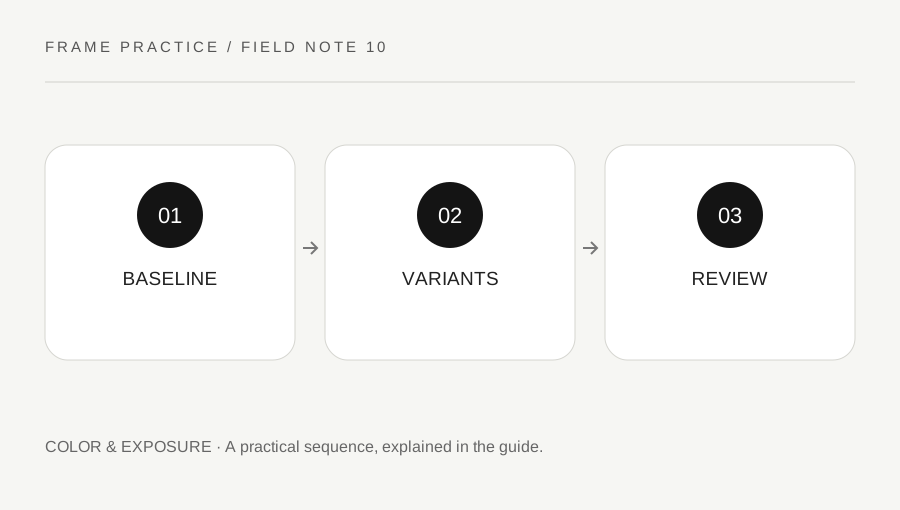
Original explanatory diagram. Examples illustrate a method or decision; they are not claims of personal testing.
Choose the reason for making variants
Decide whether you want to compare important highlight and shadow detail or learn how the exposure choice changes the appearance. Use a manageable static scene for the first exercise. Bracketing does not fix subject movement, focus placement or composition by itself. Keep the purpose specific so the extra frames answer a useful question.
Read the camera manual for its supported bracket types, modes, step sizes and order. Nikon's manuals illustrate that bracketing can apply to several different variables, not just exposure. Select the intended type rather than assuming any BKT control creates the same sequence. Check whether existing compensation also affects the baseline.
Keep the changing setting visible
Choose a supported exposure arrangement and inspect what the camera will vary. A sequence that changes aperture may also change depth of field, while another arrangement may vary shutter or ISO. The exact behavior belongs to the model's instructions. Record the baseline and actual values rather than relying only on an expected minus, zero and plus label.
Use a safe stable camera setup and a stationary subject where practical. Keep framing consistent and avoid a scene whose important parts change rapidly between frames. A bracket can still be useful in real conditions, but movement and changing light should be noted. Do not describe an inconsistent sequence as a pure exposure comparison.
Work through a three-frame review
Imagine a supported sequence produces one baseline and two variants around it. The photographer reviews the actual settings and compares a bright textured area, a darker important area and the overall intended mood. They do not select the middle file automatically or force every scene toward a neutral-looking result.
The values and order are confirmed from the camera rather than guessed from file names. If the goal is to merge exposures later, they use an appropriate software workflow and inspect alignment and artifacts separately. This example is a review method, not a promise that three frames always capture every scene or that the camera has already created a finished HDR image.
End the bracket deliberately
Check the camera's bracket state after the exercise and return to the intended ordinary capture behavior. Some settings remain active until changed, and an unexpected later sequence can be confusing. Keep the practice files grouped with a note so the variants are not mistaken for unrelated accidental exposures.
Retain source frames where useful and label any merged or edited result honestly. A useful bracketing habit adds evidence for a choice and leaves the camera in an understood state. It should not become an automatic substitute for reading the scene or a claim that every exposure problem disappears when more frames are captured.
Avoid exposure conclusions from thumbnails alone
A small contact view can help compare the overall variants, but inspect important detail in the actual files at a useful scale. A brighter thumbnail may look more attractive while an essential area has lost texture. Conversely, a deliberately dark frame may serve the intended image. Use the histogram and appropriate review tools as aids, with their model and software limits understood. Write the reason for your selection so the exercise teaches a decision rather than merely generating extra copies.
A practical checklist
Choices are saved in this browser. Reset them here or clear this site’s browser storage.
Questions that come up
Is bracketing the same as a finished HDR image?
No. It creates variants. Any later merge needs a suitable separate workflow and review.
Will every camera change shutter speed only?
No. Read the supported mode behavior and inspect the actual values.
Should the middle frame always be selected?
No. Choose based on the subject, intended appearance and important detail.
References & scope
Background references checked on 18 October 2026. Worked examples and diagrams are original teaching material.