RAW or JPEG: Choose a Photo Workflow You Can Actually Complete
A capture format is a workflow choice, not a badge of seriousness. Check editing needs, storage, compatibility and delivery before deciding whether RAW, JPEG or a supported combined option fits the task.
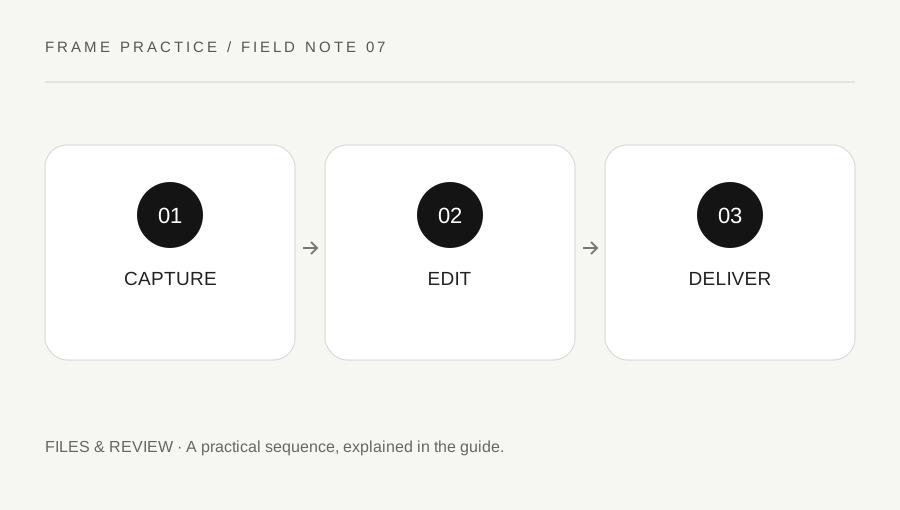
Original explanatory diagram. Examples illustrate a method or decision; they are not claims of personal testing.
Define the actual use of the photographs
Decide whether you need quick ready-to-share files, a substantial editing workflow, a controlled client delivery or a practice archive. A casual immediate-sharing task and a color-critical production can have different requirements. Do not choose a format solely because a forum describes it as the professional option.
Read the camera's file choices and the software support for its actual RAW files. Nikon's guidance explains the practical distinction between camera-processed JPEG output and RAW data requiring an appropriate workflow. File sizes, combined options and supported features vary by model. Check the current tools you actually have rather than assuming every application opens every camera's files.
Plan the storage and backup path
Estimate the number of images and check available card and storage capacity under the equipment instructions. RAW or combined capture can require more space than a simple JPEG routine, but the actual amount depends on the camera and settings. Do not use an invented per-file estimate as a guarantee that a card will hold the whole session.
Keep a safe supported transfer and backup process for material you are entitled to retain. Distinguish the original capture from working edits and final exports. A format that offers editing flexibility is less useful if the files are never copied reliably or cannot be found again. Storage and review are part of the photographic decision, not an administrative task to invent afterward.
Make a small supported comparison
Imagine a camera supports RAW plus JPEG and the photographer wants to learn the workflow. They make a small ordinary practice set, transfer it through the supported route and open the files in compatible software. They compare what can be adjusted, how long the process takes and which export serves their intended use.
They do not assume that an unedited RAW preview must look identical to the camera JPEG or that one version proves every format advantage. The software's interpretation and camera processing matter. The example is a learning exercise, not a product benchmark or a promise that any exposure mistake can be recovered from RAW.
Deliver the intended copy and retain sources deliberately
Export a format and size the recipient can use, following the actual brief or destination requirements. Do not send an unfamiliar RAW file to someone who expects a ready image unless that is agreed. Review the exported copy for appearance, orientation and content, with appropriate privacy and permission checks.
Keep the capture originals and editing information according to your needs and authorized retention process. Avoid overwriting the only source with a small delivery copy. A useful format choice fits the whole route from capture to review and delivery. It can change between tasks, and there is no need to claim that one setting makes every photographer or every image inherently better.
Do not confuse flexibility with unlimited rescue
A file can retain useful editing information while still having limits. Focus error, subject movement and genuinely missing detail are not automatically repaired by changing format. Continue checking exposure, focus and composition at capture. A small test set can show what your actual software and files support without building unrealistic expectations. Keep the conclusion tied to the task you completed: the workflow opened, the adjustment was useful and the exported image served its purpose.
A practical checklist
Choices are saved in this browser. Reset them here or clear this site’s browser storage.
Questions that come up
Does RAW guarantee every mistake can be fixed?
No. Capture still matters, and missing detail, motion and focus problems have limits beyond format choice.
Can every recipient use my RAW files?
Do not assume that. Agree the delivery format and provide a suitable reviewed copy.
Is JPEG automatically an amateur choice?
No. Choose a supported workflow that fits the actual task and output requirements.
References & scope
Background references checked on 18 October 2026. Worked examples and diagrams are original teaching material.