Read a Histogram with the Scene: There Is No Required Middle Hill
A histogram describes a distribution of tones, not a universal target shape. Compare it with the subject, important detail and the camera’s highlight information before changing exposure.
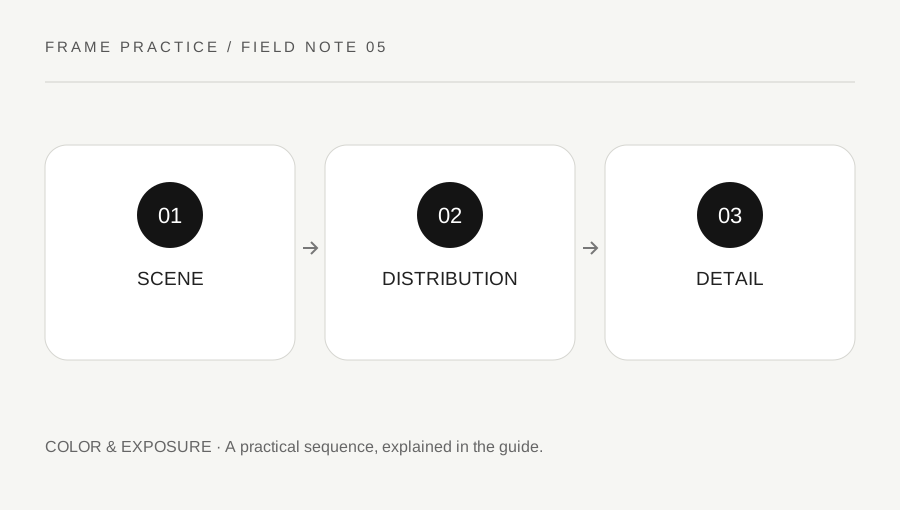
Original explanatory diagram. Examples illustrate a method or decision; they are not claims of personal testing.
Learn what the display represents
Read the camera manual for brightness and color histograms and any highlight warning. Canon's manuals describe darker tones toward one side and brighter tones toward the other, with separate color displays available on some models. The exact preview and display behavior are model-specific. Do not assume a graph from one application represents the same processing as another.
Use the histogram alongside the image rather than replacing visual judgment with a shape rule. A mostly dark scene and a mostly pale scene can legitimately distribute tones differently. Forcing both toward an identical centered hill can work against the intended photograph. First decide which parts need visible detail and what appearance serves the subject.
Inspect the important edges of the range
Look at the bright and dark areas that matter to the image and review any relevant warning through the manual's guidance. A tiny specular reflection is a different creative concern from a large important white surface losing texture. Likewise, a deliberate silhouette need not contain detail in every shadow.
Do not infer exactly how much recoverable source information exists from one small preview. Check the camera's explanation of its display and the chosen file workflow. If a critical area is uncertain, make a supported exposure comparison and inspect the files appropriately. The graph is an aid to a decision, not a certificate that every important tone has been captured perfectly.
Work through light and dark subjects
Imagine a pale object on a pale background and a dark object on a dark background under manageable light. The photographer makes a sensible exposure for each purpose and compares the histograms. They expect different distributions rather than forcing a common shape. They review texture in the important subject areas and the intended overall impression.
If an important bright detail appears lost, they make another supported exposure and compare. The example does not prescribe a fixed compensation or claim that every right-edge mark is wrong. It teaches a scene-based review: what the graph suggests, which detail matters and what a second frame can clarify.
Use a repeatable review question
After capture, ask whether the important subject has the intended tone and detail, whether the graph reveals a concern and whether the camera warning needs investigation. Keep the answer specific. A statement that the graph looks good is less useful than noting that a pale textured surface remains distinguishable in the accepted frame.
Retain the original files and record any exposure variation used in a practice sequence. Do not claim that a histogram automatically fixes composition, color or subject movement. A useful routine adds one compact evidence check to the photographic decision and leaves room for intentional dark, bright or high-contrast images rather than imposing a universal mountain-shaped graph.
Compare RGB information when the camera supports it
A brightness graph can hide a color-specific concern that another supported display helps reveal. Read the model's explanation before interpreting individual channels, and assess the actual color detail that matters. Do not assume every camera provides the same warning or that a small graph gives a complete color-management analysis. For a simple exercise, note what the additional display changes in your review question. Keep the conclusion bounded to the files and settings you actually inspected.
A practical checklist
Choices are saved in this browser. Reset them here or clear this site’s browser storage.
Questions that come up
Must every histogram peak in the middle?
No. Dark and bright scenes can legitimately have different distributions. Match the review to the subject and purpose.
Is every bright warning area a failure?
Not necessarily. Consider the importance of the area, such as a reflection versus essential textured detail.
Does a histogram prove composition is good?
No. It provides tonal information, not a complete evaluation of the photograph.
References & scope
Background references checked on 18 October 2026. Worked examples and diagrams are original teaching material.