Single-Point Autofocus: Choose the Detail That Needs to Be Sharp
For a stationary subject, a selected focus point can make your intention clearer. Put it on a meaningful detail, confirm the result and separate focus error from motion blur.
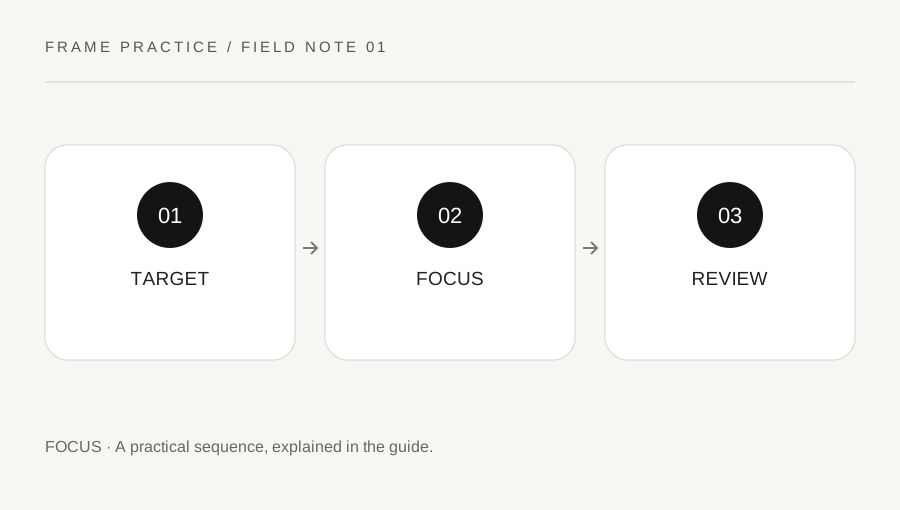
Original explanatory diagram. Examples illustrate a method or decision; they are not claims of personal testing.
Choose a stationary practice subject
Use an ordinary object with a visible textured detail in stable light. Keep the camera and subject arrangement manageable and avoid a subject that moves unpredictably for the first exercise. Read the camera manual for its single or stationary autofocus mode and the available focus-area choices. Names and controls differ across systems.
The focus mode and focus-area mode are separate decisions: one concerns how focus behaves, while the other concerns the area used to acquire it. Nikon's model manuals illustrate that distinction. Do not assume that choosing a small area also selects the appropriate behavior for a moving subject. Start with a clearly stationary example so you can learn the controls without mixing several challenges.
Place the point on useful detail
Move the selected focus point to the feature you want sharp, such as a printed edge or a textured part of the object. Avoid a blank shiny patch for the first test. Confirm the camera's focus indication through its instructions, but do not treat an indicator alone as proof of the final image's quality.
Keep the camera-to-subject position consistent between focusing and capture. If you move substantially after focusing, the selected distance may no longer match the intended detail. Use a stable handling method and a suitable shutter setting for the conditions. A focus exercise is easier to interpret when camera movement and subject movement are kept under control.
Make a two-target practice pair
Place two distinguishable objects at different distances with a safe stable arrangement. Photograph one with the selected point on the nearer detail, then focus deliberately on the farther one for a second image. Keep the composition and other practical conditions similar. The exercise shows which target you instructed the camera to use, not a universal depth-of-field result.
Review both images at a useful magnification. Check the chosen detail and nearby areas rather than judging only a small full-frame preview. If both look soft, investigate motion, handling and the actual focus target before declaring the autofocus system faulty. Keep the exercise images as a small record of what each control choice did.
Distinguish the reason for softness
A sharp background with a soft intended foreground can suggest a focus-placement question, while directional blur across the frame raises another question about movement. These are clues rather than complete diagnoses. Compare the actual image and conditions. Do not solve every soft photograph by buying another lens or applying aggressive sharpening.
Repeat with a clearer target and a supported stable setup if necessary. Check whether the lens and camera are in the intended mode and whether a close subject is inside the lens's supported focusing distance. Use the exact equipment instructions for limitations. The useful outcome is a repeatable way to choose and verify a focus target before applying the method to a less predictable scene.
Return the camera to an understood state
After the exercise, note which focus mode and area mode remain selected. A small point left on an edge of the frame can surprise you during the next casual photograph. You do not need to reset every camera setting; simply know the active arrangement and change it deliberately for the next task. A brief practice note with the target, mode and review finding is more useful than memorizing a menu position that may differ on another model.
A practical checklist
Choices are saved in this browser. Reset them here or clear this site’s browser storage.
Questions that come up
Does a small focus point automatically track motion?
No. Focus behavior and area selection are separate choices, and supported modes differ by model.
Does a focus-confirmation indicator guarantee a sharp photograph?
No. Verify the actual image and consider movement, target placement and equipment limits.
Should every soft image trigger a lens purchase?
No. Start with a controlled target and handling comparison to understand the cause.
References & scope
Background references checked on 18 October 2026. Worked examples and diagrams are original teaching material.